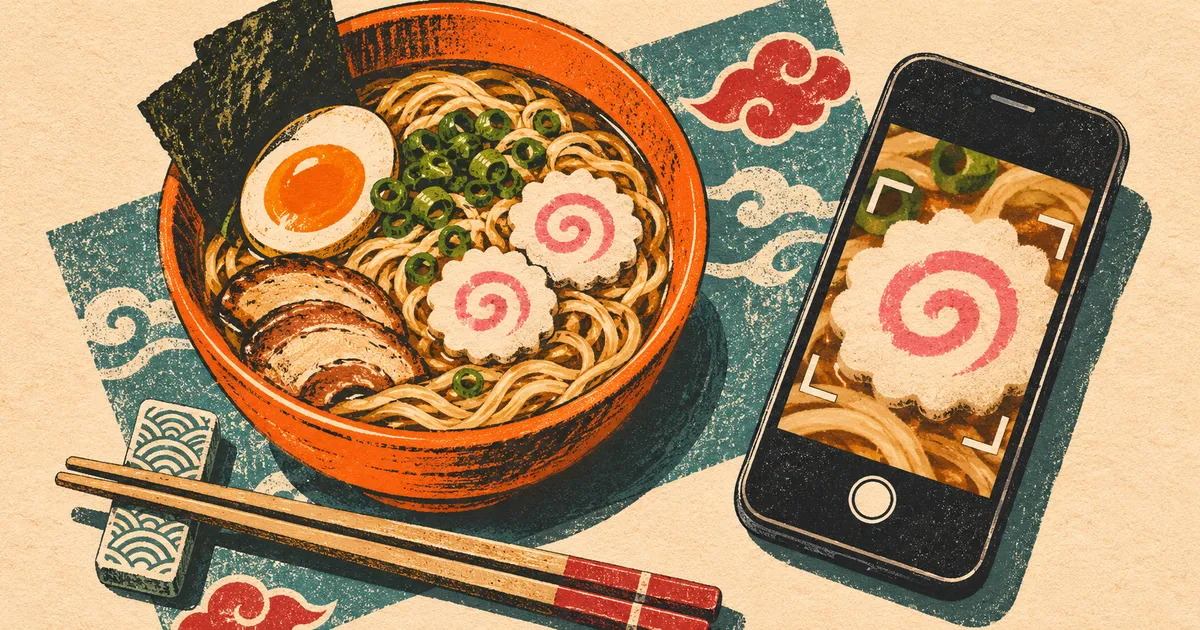
There’s a pink spiral in the middle of the photo. A friend guesses Naruto’s jacket. You widen the crop and a pair of chopsticks comes into view. Now everyone wants to know which ramen shop he’s sitting in. That change of mind is the fun of a photo quiz. One picture gives you two clues and a reveal, all in the space of a few chat messages.
Choose a question the photo can answer
Decide what earns the point before you pick up your phone. For the ramen photo, ask “What topping is floating in the bowl?” and accept either “narutomaki” or “spiral fish cake.” If you want players to name Ichiraku, put a little hand-lettered shop curtain behind the bowl. A bowl of noodles on its own could have come from any kitchen in Konoha.
For a character round, pick something with a recognizable outline. Gaara’s sand gourd works especially well. A close-up of the red sash leaves room for several guesses. Showing the narrow waist and rounded sides gives a player who remembers Gaara a reason to pick him.
Make two picture clues from one photo
Set the object by a window and take one sharp photo with the whole shape in frame. Keep the original for the answer. Make a square crop around one detail for the first clue, then a second square that includes a neighboring detail. Check both at the size they’ll appear in chat. If the weave of a sash turns into a flat red patch, back out a little.
If your iPhone saved the photo as a .heic file and your editor can’t open it, you can make a working copy with HEICHub’s HEIC to PNG converter. Select the original, convert it in your browser, then download the PNG and make both crops from that file. Give the clues neutral filenames such as round-1-a.png. A chat preview labeled gaara-gourd.png gives the game away.
Play a round with Gaara’s gourd
Try this round with the illustration below. Save it, crop the left panel for your opening clue, and keep the right panel for the reveal. For the middle clue, crop the right panel from the cork down to the red knot. That gives players one new fact to work with. The object they’re looking at has a stopper.
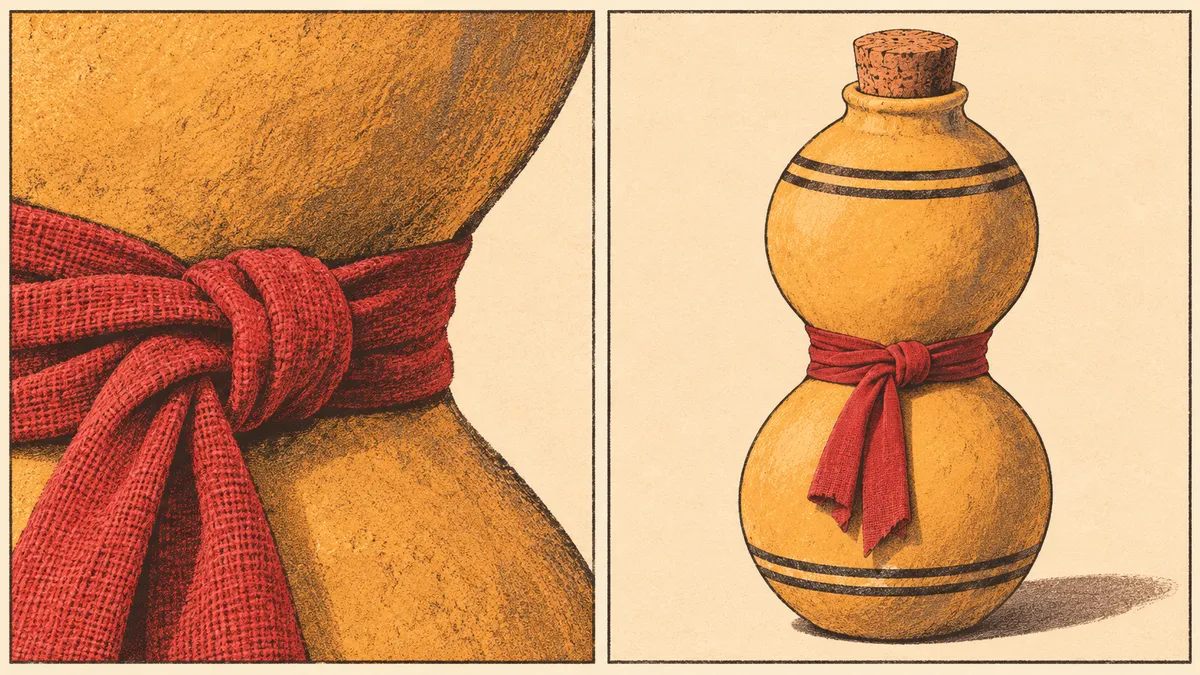
Send the first crop with the question “Which shinobi carries this?” Give everyone one guess by private message. A correct guess on the first crop earns two points. Send the wider crop to the group and give the remaining players one more guess for one point. Once the guesses are in, post the full picture and the answer together. Ask the first solver which detail tipped them off, then let them pick the next object.
FAQ
- What if I don’t own any Naruto props?
- Draw an object you remember from the series and photograph the sketch. Naruto’s jacket works well. Draw the zipper, the high collar, and the spiral on the back. Each detail gives you a different place to crop.
- How can someone play if they can’t see the picture?
- Send a short description with each clue. For the first gourd crop, try “A strip of red cloth is tied around a narrow, sandy-colored curve.” Save the word “gourd” for the reveal so everyone gets the same puzzle.